

By the 1ink.com team. Updated October 22, 2026. 5-min read.
Quick answer: Before you buy a printer, check three things first. What does each page cost? Will it accept compatible or remanufactured cartridges? Is it tied to a subscription? Then pick a laser, inkjet or ink tank based on how much you print, and compare supply costs over three years.
|
Key takeaways
|
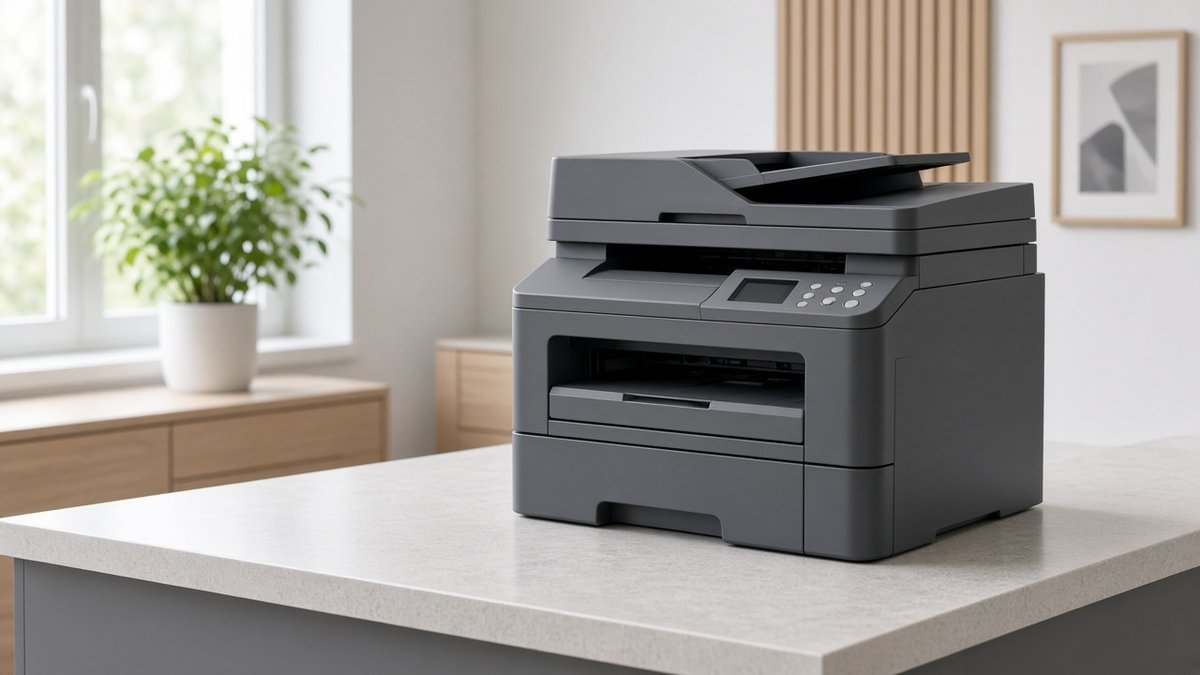
Which type of printer do I need?
1. Inkjet or laser?
- Laser printers are best for text. They're fast, and toner doesn't dry out or clog if the printer sits for weeks.
- Inkjet printers are best for photos and color projects. Their nozzles can clog with light use, and they use ink for cleaning.
- Ink tank printers use refillable bottles. They cost more up front but are the cheapest to run. Consumer Reports estimates bottled ink at under $10 a year (Consumer Reports).
2. Color or black-and-white?
Be honest about how often you print in color. If it's a few times a year, a black-and-white laser plus a print shop is usually cheaper.
3. How much do you print?
Estimate your pages per month. A home printing 20 pages a month needs a different printer than a home office printing 500.
Which features matter most?
4. Which all-in-one features do you need?
- Scan and copy: handy for school forms, receipts and IDs.
- ADF (automatic document feeder): feeds a stack of pages, so you don't lift the lid for each one.
- Single-pass duplex scanning: scans both sides of a page at once.
- Fax: some doctors' offices and lawyers still require it.
5. Does it print on both sides?
Auto-duplex printing turns the page over for you and saves paper. Every Brother model we recommend includes it.
6. How easy is the setup?
Look for Wi-Fi, Ethernet and USB, plus a phone app. Brother's app is Brother Mobile Connect. Small two-line screens make Wi-Fi setup slow; touchscreens are easier (Wirecutter).
7. Where will it fit?
Measure your space first. Laser all-in-ones can weigh 25 to 48 pounds.
How do I avoid ink lock-in?
8. Does it accept compatible or remanufactured cartridges?
Search the model name plus "third-party ink" or "dynamic security." Read the product page's fine print. A line like "cartridges using a non-HP chip may not work" is a red flag.
9. Is it tied to a subscription or "original only" program?
Watch for HP+ and Instant Ink at setup. Brother also offers an optional subscription, Refresh EZ Print, which needs your printer to stay online (Wirecutter). With any plan, check what happens when you cancel.
10. How does it handle firmware updates?
Firmware updates fix security holes, so don't skip them all. Check whether updates install automatically, and read the release notes when you can.
For brand-by-brand details, see Which Printer Brands Block Compatible Cartridges?
What does a printer really cost to run?
11. What's the cost per page?
Page yield is how many pages a cartridge is rated to print in standard industry (ISO) tests. Cost per page is the price divided by that yield.
For example, Brother's genuine TN830XL toner lists at $98.29 for about 3,000 pages (Brother USA). That's about 3.3¢ a page. Our compatible TN830XL is $38.99 for the same rated yield, or about 1.3¢ a page.
For color, add up the cost per page of each cartridge the page uses. Learn more in our guides to cost per page and page yield.
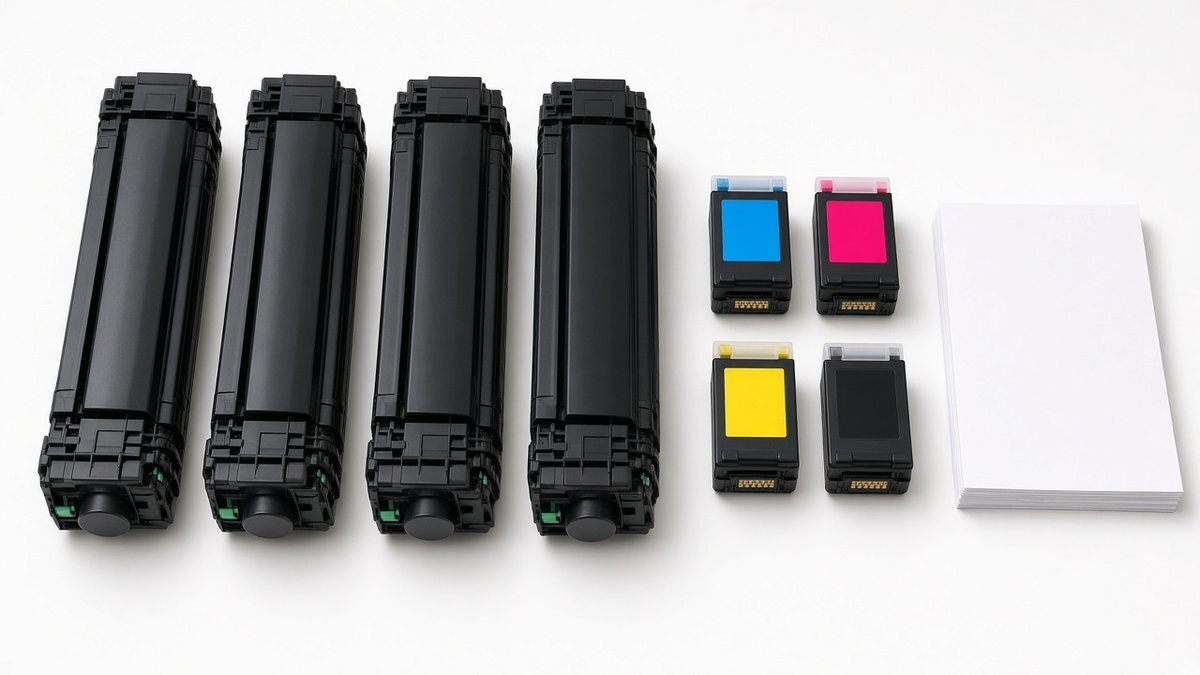
12. What will supplies cost over three years?
Multiply your monthly pages by 36. Then work out how many cartridges that takes, plus any extra parts, like a laser drum.
Here's a supplies-only example for the Brother DCP-L2640DW, which uses TN830XL toner.
| Pages per month | Pages in 3 years | Supplies needed* | Brother genuine | 1ink compatible |
|---|---|---|---|---|
| 50 | 1,800 | 1 TN830XL | $98 | $39 |
| 100 | 3,600 | 1 TN830XL | $98 | $39 |
| 300 | 10,800 | 4 TN830XL | $393 | $156 |
| 500 | 18,000 | 6 TN830XL + 1 DR830 drum | $748 | $274 |
*After the roughly 700-page starter cartridge in the box. TN830XL is rated for about 3,000 pages. The DR830 drum is rated for about 15,000 pages, at $157.99 genuine (Brother USA) vs. $39.99 for our compatible DR830. Prices were checked October 19, 2026 and exclude tax and shipping.
The more you print, the more cost per page matters. Your real results will vary with what you print.
Ready to pick a model? See Best Printer for Home Use in 2026: Our Brother Picks.
Frequently asked questions
How do I calculate a printer's cost per page?
Divide the cartridge price by its rated page yield. For example, a $38.99 toner rated for 3,000 pages costs about 1.3¢ a page. For color, add the cost per page of each cartridge used.
Will compatible cartridges void my printer warranty?
Generally, no. Under the federal Magnuson-Moss Warranty Act, a maker can't void your warranty just because you used third-party ink. It can deny a repair if that ink actually caused the damage (FTC). See our post on remanufactured cartridges and your warranty.
What's the cheapest printer to run at home?
Ink tank printers have the lowest ink cost per page. For mostly text, a black-and-white laser with high-yield compatible toner is hard to beat on cost and reliability.
Is an ink subscription worth it?
It depends on how much you print and what happens when you cancel. Wirecutter found Brother's Refresh EZ Print only lowers per-page costs for heavy printers, especially heavy color users (Wirecutter). HP disables Instant Ink cartridges if you cancel (HP Instant Ink terms). Read the terms before you sign up.
Have a question about your printer? Shop Brother ink and toner or browse HP, Epson and Canon cartridges.
Sources
- Consumer Reports: https://www.consumerreports.org/electronics-computers/printers/best-printers-of-the-year-a9151182809/
- Wirecutter: https://www.nytimes.com/wirecutter/reviews/best-laser-printer/
- Brother USA: https://www.brother-usa.com/p/ink-toner/TN830XL
- Brother USA: https://www.brother-usa.com/p/ink-toner/DR830
- Federal Trade Commission: https://www.ftc.gov/business-guidance/resources/businesspersons-guide-federal-warranty-law
- Wirecutter: https://www.nytimes.com/wirecutter/reviews/best-home-printers/
- HP Instant Ink Terms of Service: https://instantink.hpconnected.com/us/en/v2/terms